One memory. Fewer copies.
Find similar and duplicate photos, choose your favorites, and clear the extras.
Less clutter. More peace of mind. Keep your phone clean, organized, and protected with Antivirus Smart Cleaner.

Give your phone the care it deserves.
All the essentials, together in one place.
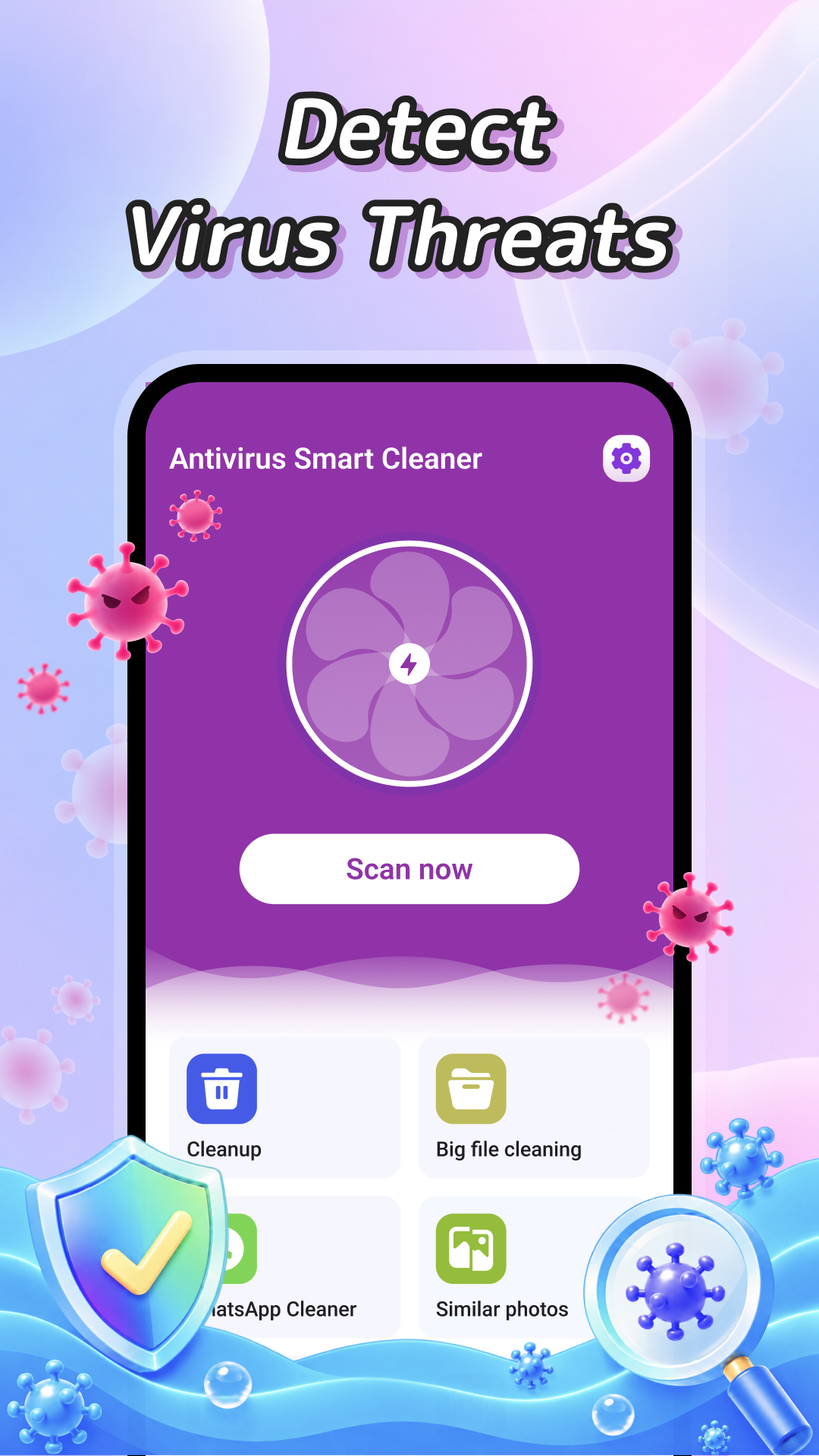
Scan your device to detect viruses and potential threats, and take the next step toward a more secure phone.
Explore virus scanner 02 / CLEANFind residual junk files and clear what you no longer need. Reclaim storage with a simple, one-tap cleanup.
Explore junk cleaner 03 / ORGANIZEBring photos, videos, and audio together. Browse your media, preview your files, and decide what stays.
Explore media managerTake a look around. A cleaner phone starts here.
 A LOOK INSIDE THE APP
Make device security part of your routine. Scan your phone for viruses and potential threats with an easy-to-use virus scanner.
Useful extras that make everyday
phone care feel effortless.
Find similar and duplicate photos, choose your favorites, and clear the extras.
Compress photos to save space while keeping the visual quality that matters.
Remove hidden location information from your photos for a little more privacy.
Review installed apps and uninstall the ones you no longer need.
A simple routine for a phone that feels more organized.
Open the app and choose what needs a little attention: security, storage, or media.
Scan for clutter or threats. Preview your files and decide what you want to keep.
Clear unwanted files and make room for your next photo, playlist, or everyday moment.
Your questions, answered.
Get to know your new cleaning companion.
Antivirus Smart Cleaner is an all-in-one phone care app with a virus scanner, junk cleaner, large file cleaner, media management tools, and an app manager. It helps you keep your device organized and manage its storage.
You can find residual junk files, review large files, remove unwanted photos, videos, and audio, and locate similar or duplicate photos. You can also review installed apps and uninstall ones you rarely use.
The large file cleaner and media management tools let you browse and preview files so you can choose what to remove. Review your selection carefully and back up anything important before deleting it.
Photo compression reduces image file sizes to reclaim storage while retaining much of the visual quality. The amount of space saved and the resulting quality depend on the original image and compression settings.
Photos can contain hidden location information. Photo privacy cleanup removes that location data to help protect your privacy. It does not hide any location details visible in the photo itself.
 GOOD DAYS START WITH A LITTLE SPACE
Clear the clutter. Care for your device.
Make room for what’s next.